Colorize Grayscale Images Online In Seconds
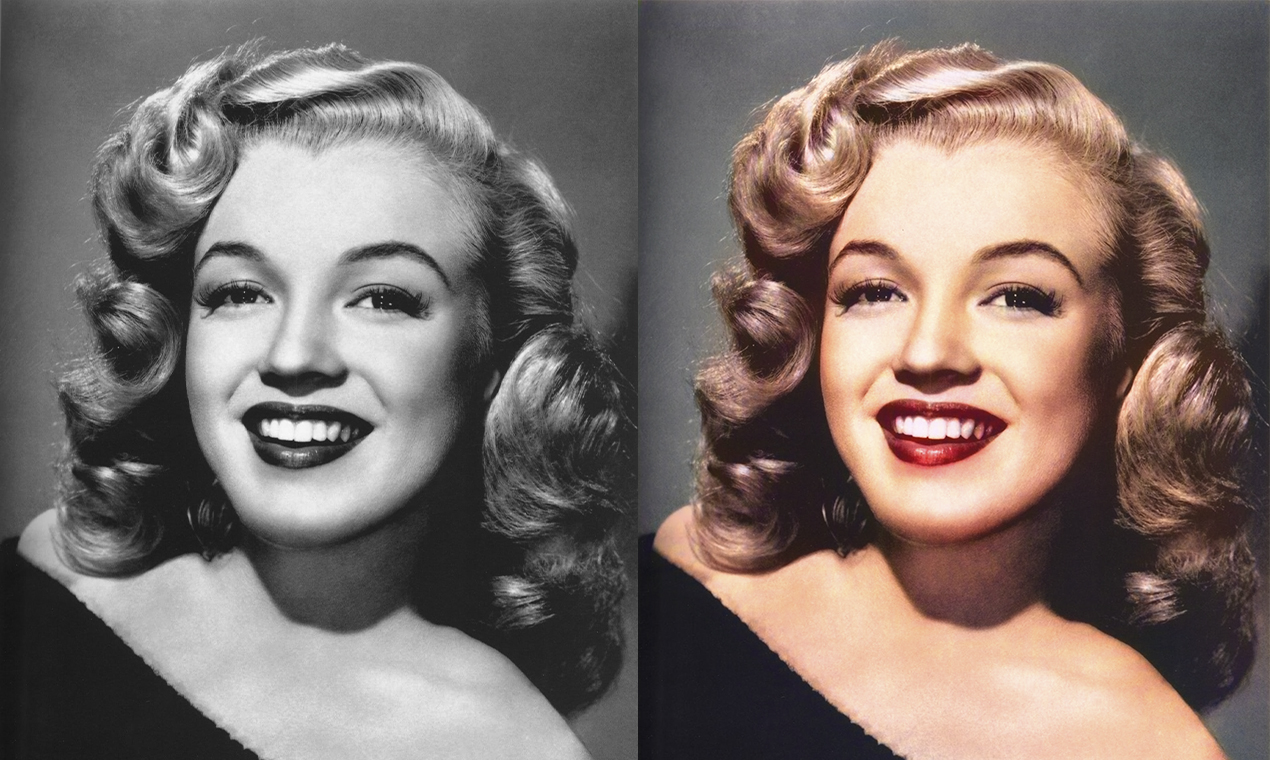
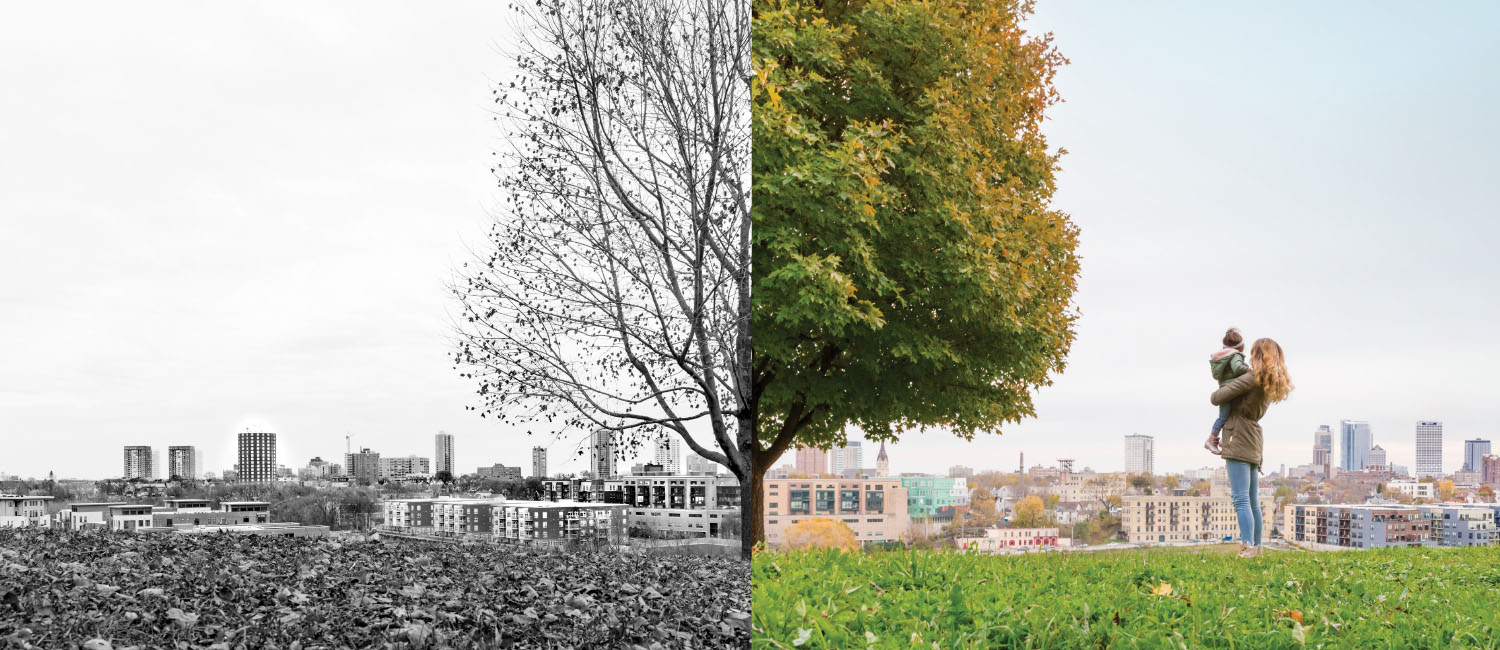
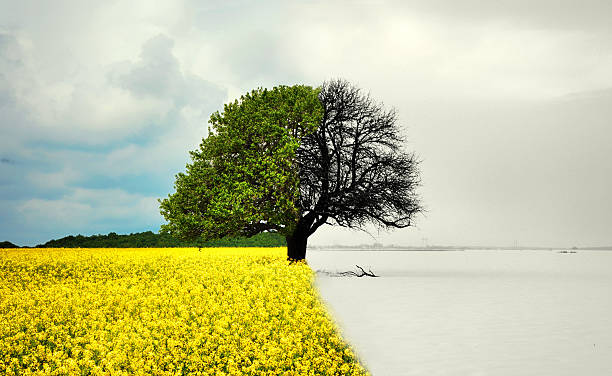
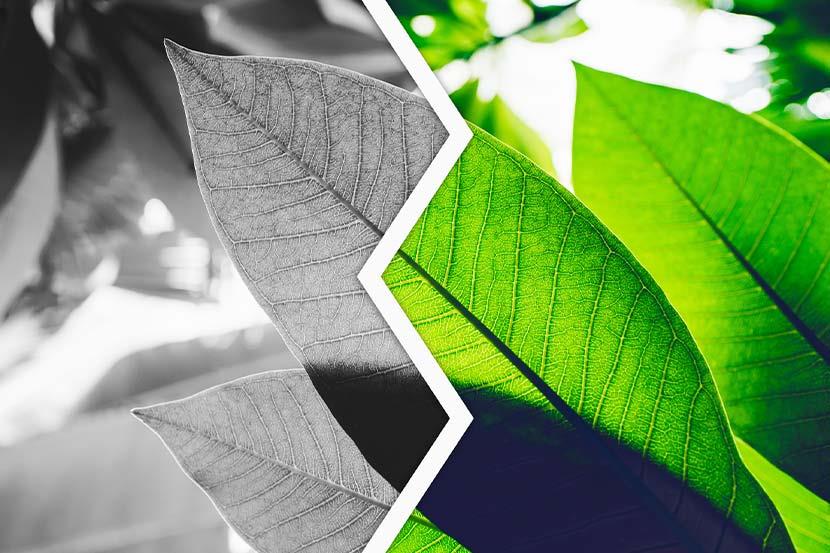
Ready to add color to your black and white photos? Our Colorization Tool makes it simple! Upload your grayscale image and watch as vibrant colors bring it to life in just seconds. Transform old memories into vivid masterpieces – try it now!
Upload
Click on Upload images and select the the image which you want to convert in Grayscale.
Convert
Our tool will upload the image and perform the necessary colorization using AI.
Download
Wait for the process to be completed. Your image will be ready to use.Click on download button to save to your device.
Frequently Asked Questions
This is the first item's accordion body. It is shown by default, until the collapse plugin adds the appropriate classes that we use to style each element. These classes control the overall appearance, as well as the showing and hiding via CSS transitions. You can modify any of this with custom CSS or overriding our default variables. It's also worth noting that just about any HTML can go within the
.accordion-body, though the transition does limit overflow.This is the second item's accordion body. It is hidden by default, until the collapse plugin adds the appropriate classes that we use to style each element. These classes control the overall appearance, as well as the showing and hiding via CSS transitions. You can modify any of this with custom CSS or overriding our default variables. It's also worth noting that just about any HTML can go within the
.accordion-body, though the transition does limit overflow.This is the third item's accordion body. It is hidden by default, until the collapse plugin adds the appropriate classes that we use to style each element. These classes control the overall appearance, as well as the showing and hiding via CSS transitions. You can modify any of this with custom CSS or overriding our default variables. It's also worth noting that just about any HTML can go within the
.accordion-body, though the transition does limit overflow.